
Blog
Blog
Matomo as an alternative to Google Analytics 4

Evie van Rooij
Search marketeer
Published
30 October 2026
Reading time
8 min read
We get a lot of questions about Google Analytics and GDPR compliance. Understandably so: there is confusion about which data you may and may not store, and what that means for your website analytics. The GDPR places several requirements on websites:
- Consent. Make sure individuals can opt in to data collection.
- Processing. Defining rules for the processing of personal data;
- Securing data. Making sure organisations protect individuals' privacy;
- Breach notification. Informing individuals (and the authorities) about data breaches;
- Right of access. Complying with requests for access to personal information that is stored;
- Right to erasure. Making sure individuals' data can be deleted.
- Due process. Making sure you have defined procedures to follow and people responsible for carrying them out.
For tracking cookies, this means you must explicitly ask visitors whether you may track them. You must record what they agree to and give them the option to change their cookie settings, see which data has been stored and have it deleted.
Is Google Analytics GDPR compliant?
Almost everyone uses web analytics tools such as Google Analytics. So the question makes sense: will you get into trouble with the GDPR if you use Google Analytics?
Google says the following:
- In standard use, Google Analytics does not store individually identifiable data.
- You breach Google's terms if you add code that tracks individual users.
- Google Analytics is in principle GDPR compliant, as long as you don't modify it to collect personal data.
If you add extra tracking, such as user IDs, demographic reports or remarketing, you need to ask for consent. Even so, many website owners opt for more privacy and look at alternatives such as Matomo.
The disadvantages of Google Analytics
The Austrian data protection authority previously banned the transfer of personal data to US servers. These are the most common reasons not to use Google Analytics:
- It is owned by the world's largest advertising technology company.
- The GDPR, CCPA and other privacy legislation make it an obligation.
- The script slows down your website.
- You need consent for cookies.
- Many browsers and plugins block tracking, which makes data less accurate.
No need to panic about using Google Analytics
You don't need to worry if you use Google Analytics. Just use it only with consent, accept changes to data processing, anonymise IP addresses and apply server-side tagging.
Matomo as an alternative to Google Analytics
Matomo is the most widely used open-source web analytics software, with more than a million websites in 200 countries using it. But why would you use Matomo instead of Google Analytics? The answer is simple. You have full control over the data when you use Matomo.
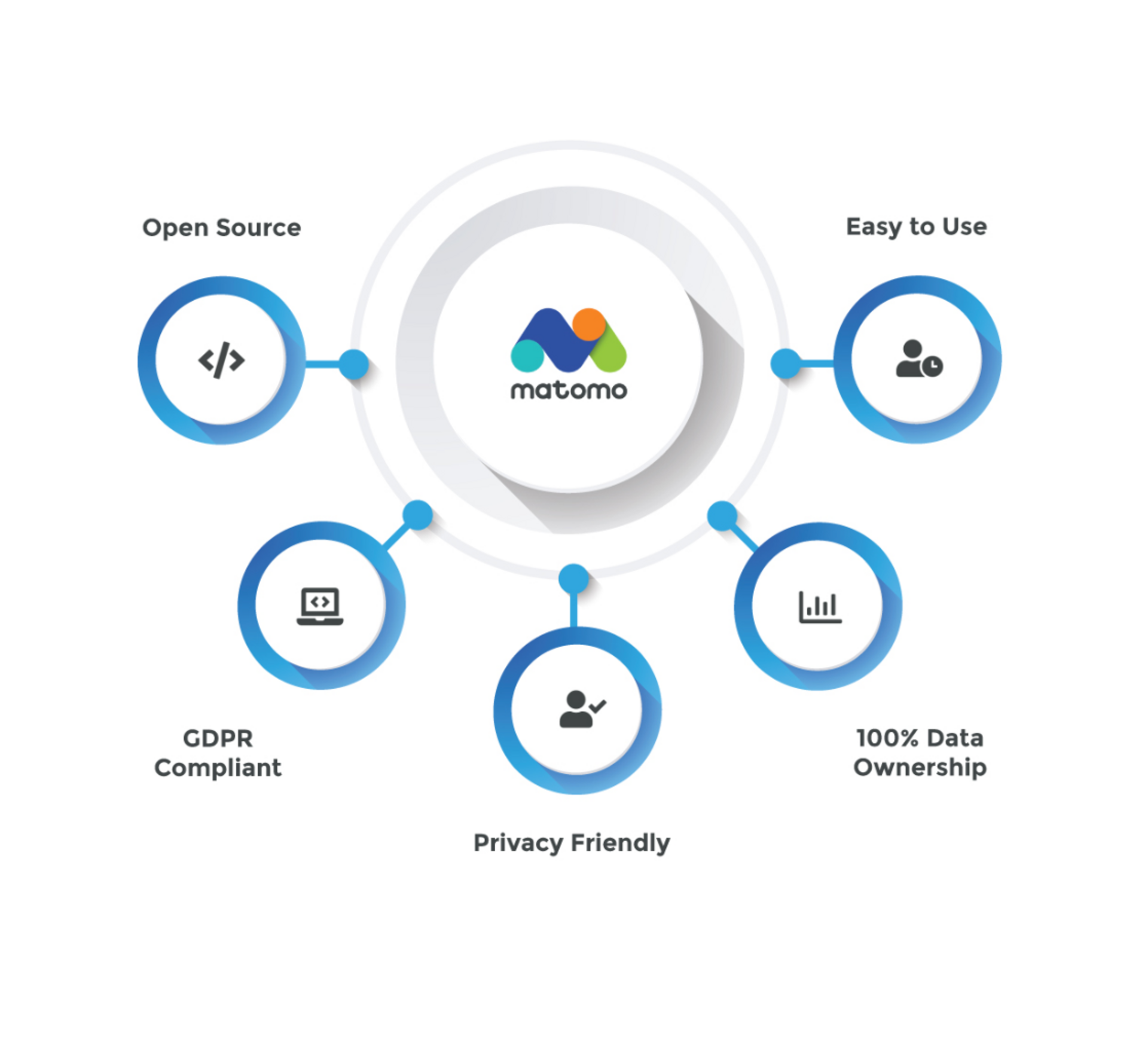
Another important advantage is that Matomo doesn't sample data. Matomo will always report all of your data, without exception. With Matomo there are no data limits!
With Matomo On-Premise you decide what happens to the data and where it is stored. Matomo Cloud's secure servers are located in Germany and France, where websites must comply with the GDPR, one of the strictest privacy laws in the world.
Unlike remotely hosted services such as Google Analytics or Adobe Analytics, Matomo is installed on your own server and data is stored in a MySQL database. That gives you full control over the data, since Matomo is installed on your server. What's more, Matomo's plugins and APIs make it easy to retrieve the data.
As a user, you can create advanced reports using custom dimensions and segmentation, or even query the database manually. Matomo can also be used to track the performance of websites, mobile apps and software applications, as well as intranet portals and intranet websites.
Most importantly, Matomo's features also protect visitors' privacy. When you use Matomo to analyse visitor behaviour, you ensure that visitors' behaviour on a website is not shared with third parties.
And because Matomo is an open platform, you can customise and extend it with plugins. The Marketplace currently has more than 70 plugins available (both free plugins and paid premium plugins). For even more website-specific functionality, you can build your own Matomo plugin or hire professional developers to do it for you.
You may want to check Matomo's full list of features or the online demo to make sure they suit you. Matomo includes virtually all the capabilities other tools have, as well as some unique features, including real-time visitor information, an e-commerce dashboard, visitor profiles, real-time visitor maps and a great mobile app for iOS and Android. Finally, their roadmap is open to the public, and community members can follow progress through the public issue tracker.
Why use Matomo Analytics?
If you need an alternative because of the GDPR, Matomo may be the right solution.
Matomo reports
Like Google Analytics, Matomo records all statistics about website visitors. You can see which pages they visit, how they navigate, how long they stay and so on. Reports are presented in tables of figures, organised into different dimensions.
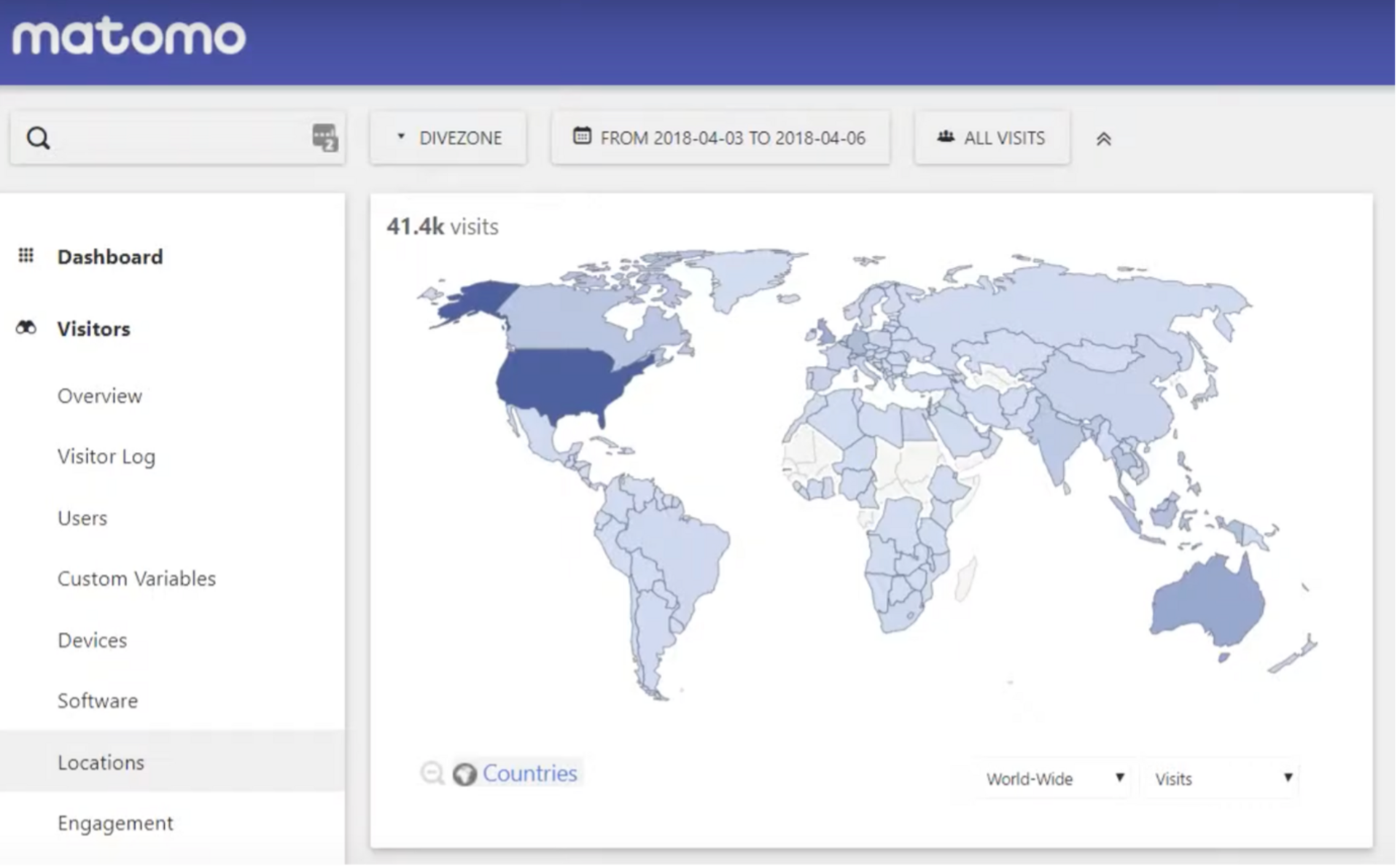
Matomo dimensions
Dimensions are attributes for classifying data. Matomo offers a wide range, such as:
- date, hour, day, week, month of the visit
- URL of visited pages, entry and exit pages
- traffic channels (organic, paid, referral, direct)
- search engines generating visitors
- browsers visitors use
- geographical data: country, region, city
Metrics
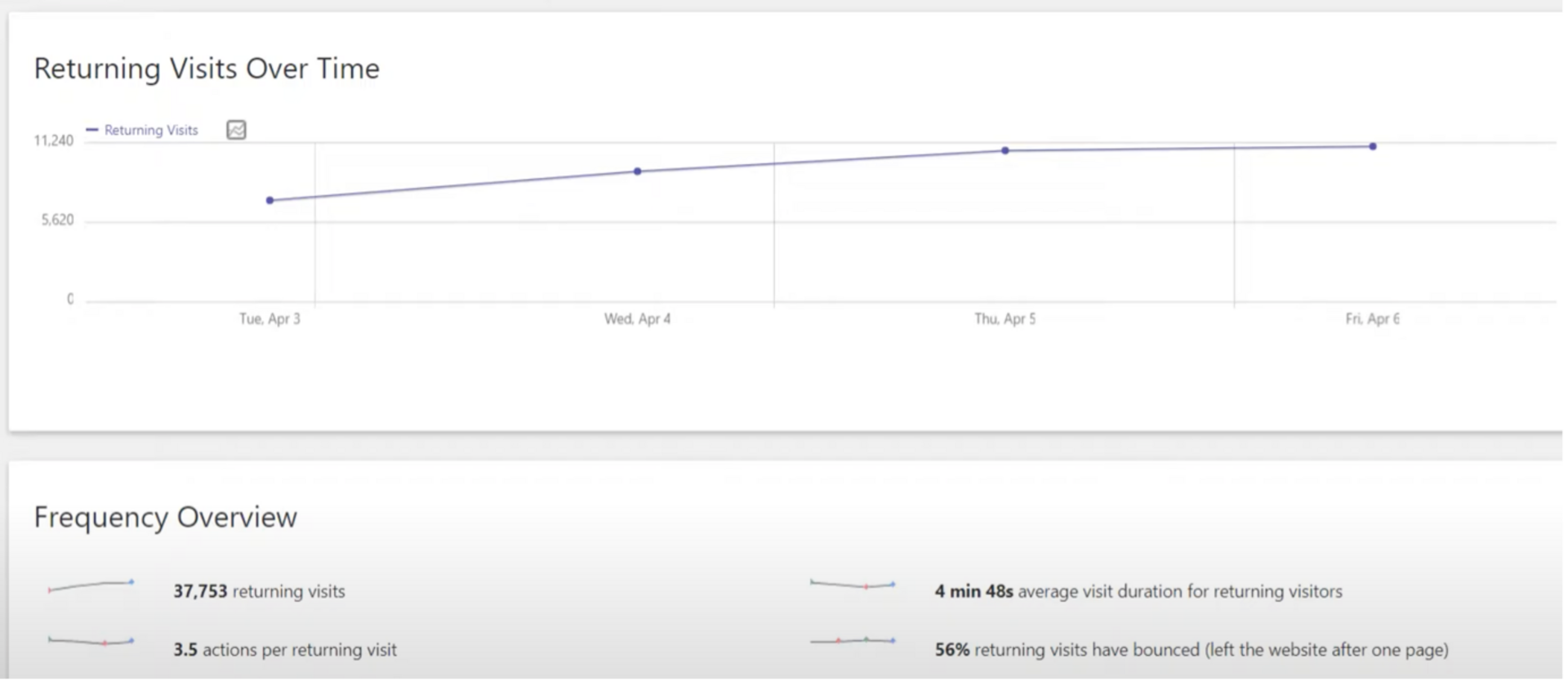
All dimensions are quantified with metrics. Matomo provides the same information as Google Analytics:
- number of sessions;
- number of pages per session;
- session duration
- bounce rate
- actions taken (via events)
- clicks and media tracking
- scroll tracking
- visits to specific web pages
Data segmentation
For analysis it is useful to create segments. They can be defined in any way you like:
- Visitors who have converted a goal and come from Google Ads.
- Visitors who view more than three pages per session.
Note: in Matomo, segment data is only available from the moment the segment is created. This differs from Google Analytics, where you can retrieve historical data for segments straight away. Do you know which segments you are going to use? Then create them right away.
User flows
Matomo visualises visitors' most common steps. It can be difficult to understand the user journey this way. It is often easier to focus on pages and analyse previous/next paths in detailed reports.
Heatmaps
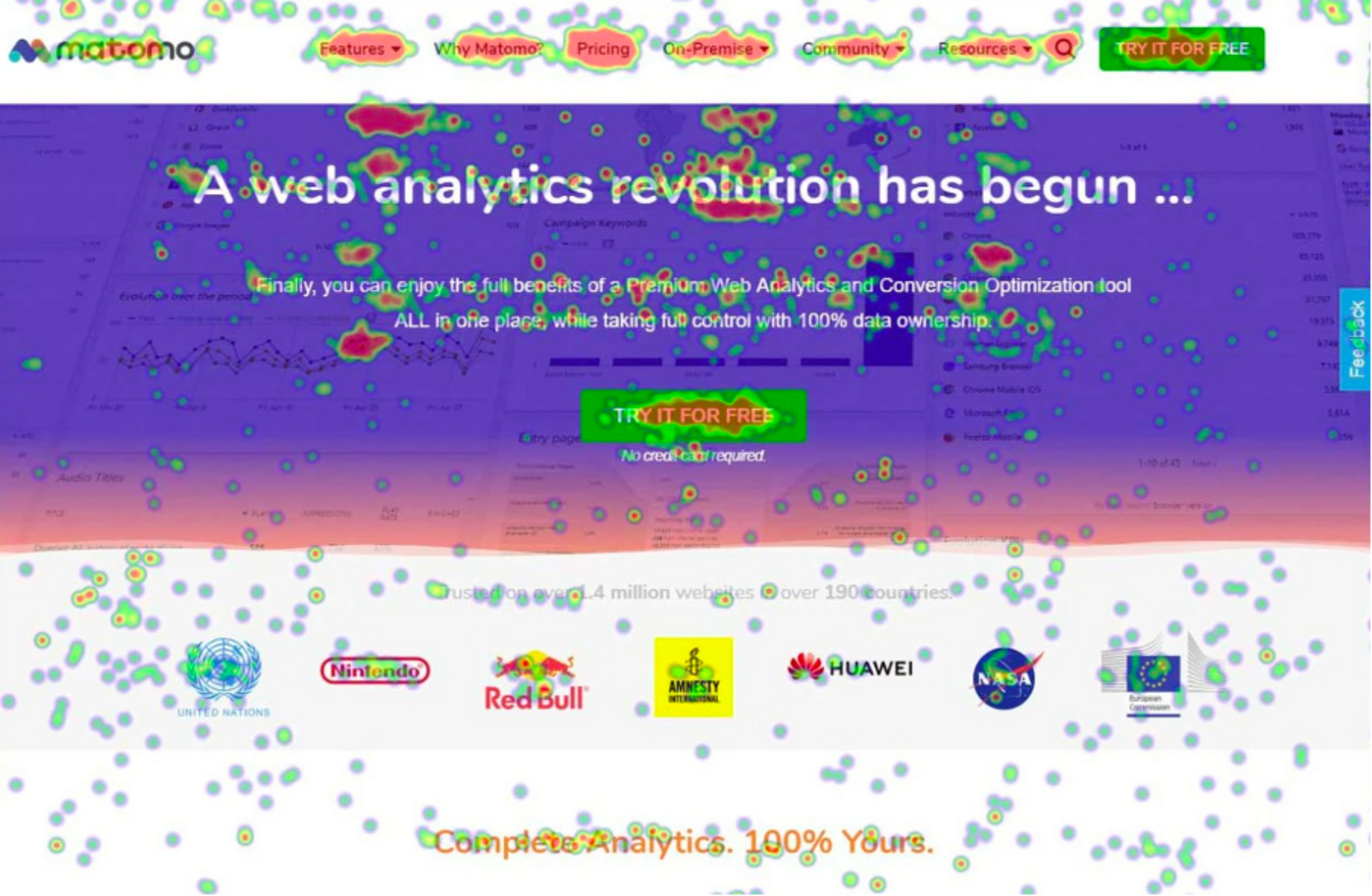
Heatmaps visualise user behaviour on web pages. Although there are separate tools such as Crazy Egg or Hotjar, an integrated solution is practical. Note: heatmaps can lead to a huge increase in data volume. Plan ahead if you host the data yourself. The same applies to session recordings.
Installing Matomo Analytics
Matomo offers two options: self-hosted on your own premises or a cloud solution.
Self-hosting Matomo
Because Matomo is open source, you can download the source code and install it on your server. Bear the size in mind: it stores a lot of data. A self-hosted solution doesn't offer all features out of the box: you need to add paid plugins for all the functionality you want.
Matomo Cloud
Matomo Cloud is the second option. You can create an account in a few clicks. This option gives you access to almost all the plugins needed for analysis. In self-hosted solutions, those plugins have to be purchased separately and renewed annually. That quickly drives up the costs.
Data collection
Matomo supports different types of data collection: client-side and server-side.
Client-side
The classic installation: a JavaScript tag integrated client-side (front end). You get two options:
- Integrate JavaScript code directly in the header.
- Use Matomo Tag Manager (the equivalent of Google Tag Manager) for all the tags you need.
Server-side
Although more complicated, server-side tracking gives a better picture of traffic and interactions. Tracking cannot be blocked by ad blockers. For example, you can track 100% of e-commerce sales for better decisions and more accurate analysis.
Matomo Reporting API
Matomo's Reporting API is well documented and easy to use. With the API you retrieve all analytics reports programmatically. You can select data for one or more websites and specify date ranges and formats (CSV, JSON, XML). Matomo also offers management APIs for websites, users, dashboards, email reports, goals, custom dimensions and more.
Advantages of Matomo
Matomo can replace Google Analytics without sacrificing functionality or data quality. It works in the same way, but requires more work if you want to use it for free (self-hosted). The self-hosted solution requires extra payment for features such as heatmaps. The cloud solution starts at €19 per month for 50,000 hits and includes most of the extra features.
Matomo is more challenging, but not difficult. Many integrations (such as Google Data Studio connectors) are possible.
Getting started with Matomo?
Both Matomo and Google Analytics are good analytics tools. If you can't or don't want to use Google Analytics for privacy reasons, Matomo is a strong alternative. The reports are comparable, but call for a slightly different approach.
Need help switching to Matomo? Or want to know whether Matomo suits your situation? Get in touch, we'd be happy to help.
We are Partout
We are a B2B marketing agency in Eindhoven. We make sure B2B companies land on the shortlist of their ideal customers, especially in complex buying processes where others get stuck. We combine branding and demand generation so you become a brand in demand. Instead of just chasing leads, we build a brand that is seen, trusted and chosen.